The following blogpost is 100% meaningless and can in no circumstances be used for anything other than better understanding Dynamics 365 code and playing around. What I’m about to show will NOT help you in any way, or make you more happy.
When developing in Visual Studio you are restricted to make overrides to any Microsoft code. We are currently ONLY using extensions. You can read more about the concept here.
But in rare occasions when working with analyzing standard code, it could be interesting to make a change to the standard code, compile and execute to see the effect. It could be scenario’s where we want to inform Microsoft of improvements or issues. It could also be related to cooperation with Microsoft on the CDE (Community Driven Development).
When trying to make changes to an existing (SYS) object you will get the following error informing you that you are not allowed to make any changes to the ‘Application Suite model.
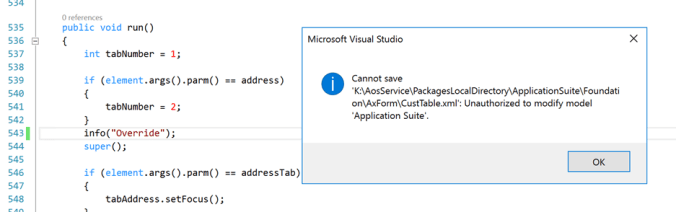
But there is a way to “hack” your way around it. You can change the Layer in the model descriptor file. For the application suite you can find the model here:
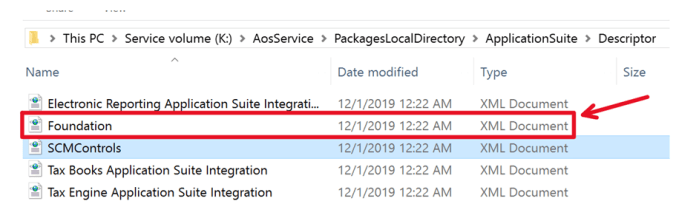
In the descriptor file you can make changes to the Layer, moving it from SYS and upwards, like into the ISV layer:
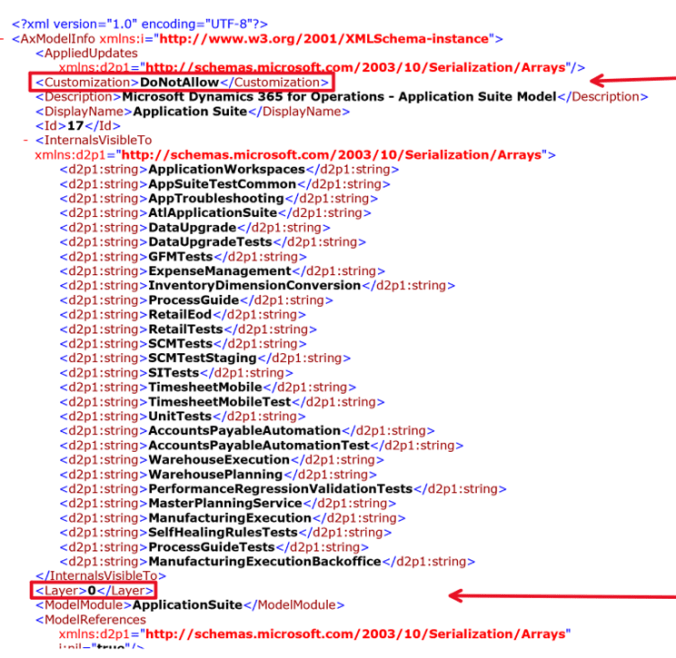
If I select “8” as layer, then the model is moved to the ISV layer.(You also need to do this to some more descriptor files)
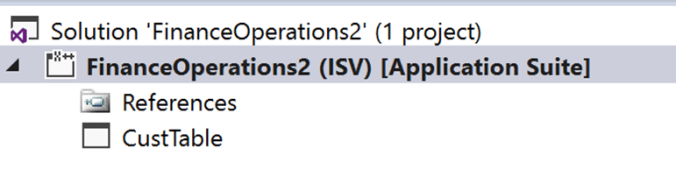
Then the code can overridden, and you can play, test and learn.
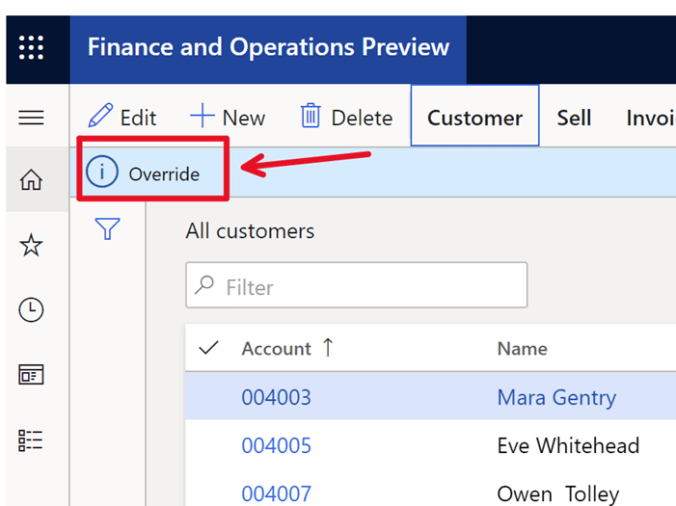
And before you pump me full of “We don’t do this” replies, remember I titled this as 100% meaningless
Now, do this the RIGHT way and build your solutions using extensions, and come to terms with the fact that the application is sealed, and we have a “One-Version” approach!
Happy DAX’ing
 Kurt Hatlevik - Dynamics 365 Blog