Some time ago, the export to datalake and was deprecated, and the it’s time to do some more house cleaning. Also, the Power BI embedded reports seams to struggle keeping up in the latest version. Especially if you have played with the Entity store available as a Data Lake.
In our own PROD, the BIINCREMENTALTABLEMODIFICATIONS was 326 Gb. Dataverse Database Capacity at 40 $ / GB would mean an additional cost of 156.480 $ per year for us, so we had to clean up.
More specifically on the table BIINCREMENTALTABLEMODIFICATIONS, in contains 3 fields, and keeps track of incremental updates to entity store.
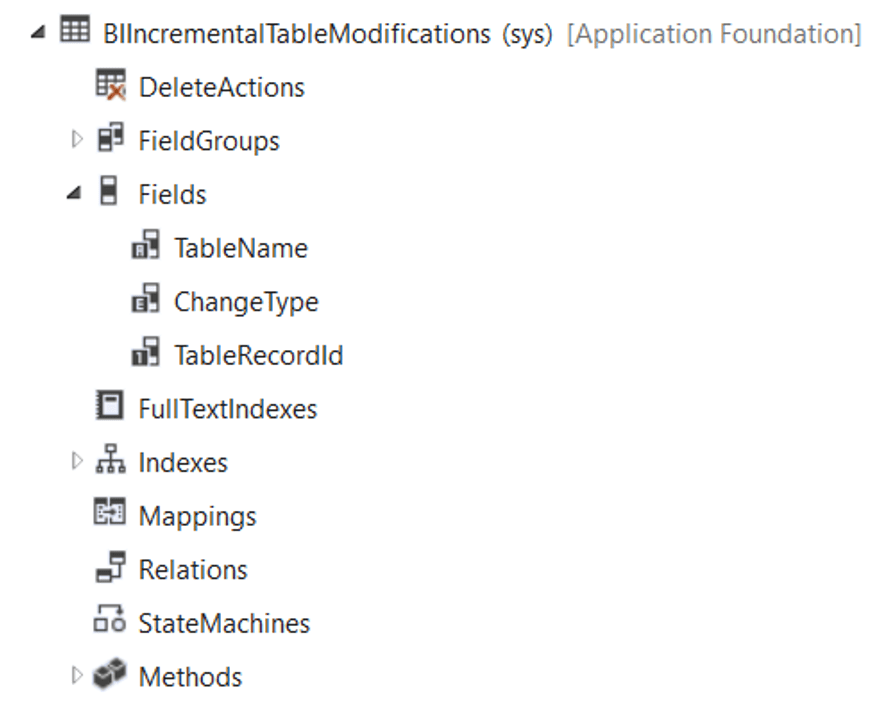
To see if you have a lot of data you may open in in F&O by using this URL: &mi=SysTableBrowser&Tablename=BIINCREMENTALTABLEMODIFICATIONS.
Or checkout your Capacity here, and see it your installation is affected https://admin.powerplatform.microsoft.com/resources/capacity#summary
If you see that the you are consuming a lot of DB capacity towards the table BIINCREMENTALTABLEMODIFICATIONS, I would suggest that you create a support ticked to get it flushed out.
Keep your PROD “trimmed” and healthy, and you are rewarded with performance and reduced licensing costs.
 Kurt Hatlevik - Dynamics 365 Blog